每條游來游去的小魚,都是正在瀏覽這一頁的訪客,有一條是你自己 ( ´ ▽ ` )ノ 覺得干擾閱讀的話,可以把小魚關掉。
錯視文字輪播
carousel文字作為遮罩裁切圖片後,邊移動移動邊組成圖片。
看不懂說明?沒關係我也看不太懂,來看看就懂啦。ᕕ( ゚ ∀。)ᕗ
靈感來自我在 Envato 路過的一個輪播效果。
覺得非常有趣,想說挑戰在網頁上實現看看,本來想加入模糊效果,但是性能負擔過重,只好忍痛放棄了。 (๑•́ ₃ •̀๑)
| 名稱 | 描述 |
|---|---|
| Vue Transition | 內建元件,可以處理單個項目的進出動畫 |
| CSS 動畫 | 基於 CSS transition 和 animation 實現 |
| CSS background-clip | CSS 屬性,用於控制背景的繪製區域,例如:僅在內容區域顯示背景 |
| CSS 3D | 使用 CSS transform 和 perspective 實現 3D 效果 |
酷酷的錯視文字輪播。(≖‿ゝ≖)✧
CAT
CAT
CAT
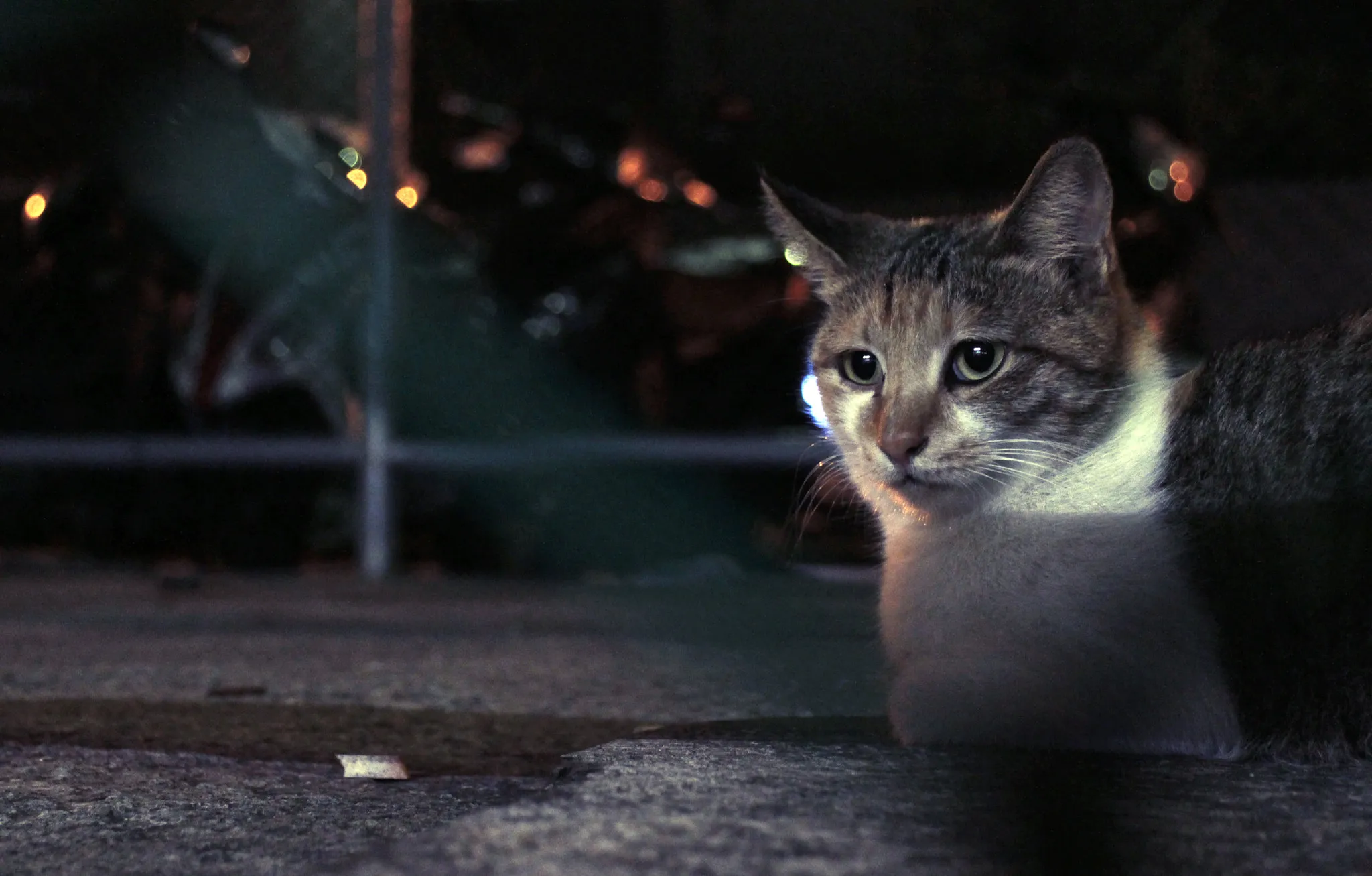



<template>  <div class="w-full flex flex-col gap-4">    <div class="flex justify-center">      <carousel-anamorphosis-text        ref="carouselRef"        :src-list      />    </div>
    <div class="w-full flex gap-4">      <base-btn        :label="t('prev')"        class="flex-1"        @click="carouselRef?.prev()"      />      <base-btn        :label="t('next')"        class="flex-1"        @click="carouselRef?.next()"      />    </div>  </div></template>
<script setup lang="ts">import { ref } from 'vue'import { useI18n } from 'vue-i18n'import BaseBtn from '../../base-btn.vue'import CarouselAnamorphosisText from '../carousel-anamorphosis-text.vue'
type SrcList = InstanceType<typeof CarouselAnamorphosisText>['srcList']
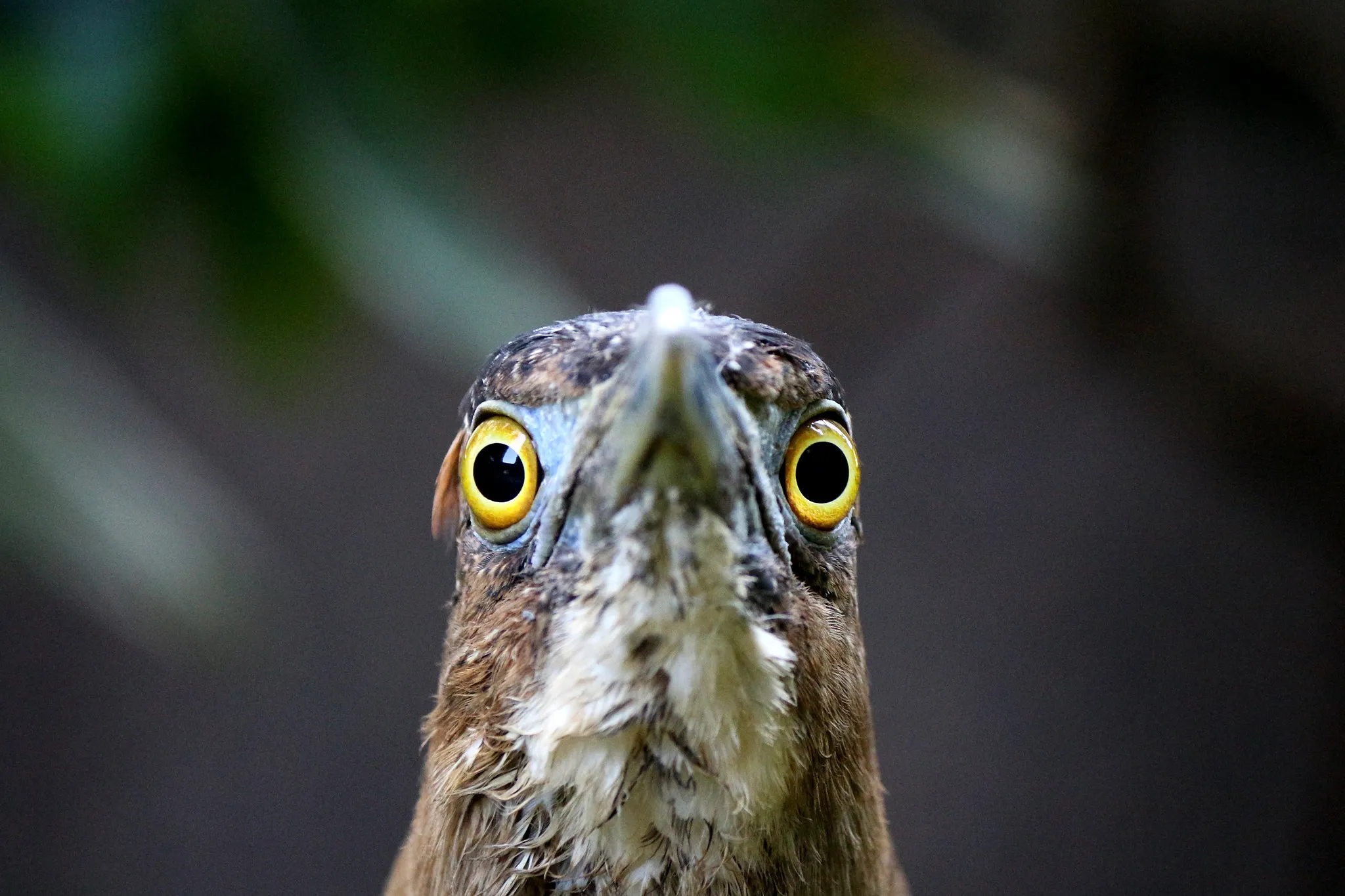
const srcList: SrcList = [  {    url: '/low/photography-street-cat.webp',    text: 'CAT',  },  {    url: '/low/photography-ears-of-rice.webp',    text: 'RICE',  },  {    url: '/low/photography-fireworks.webp',    text: 'FIREWORKS',  },  {    url: '/low/photography-morning-light-of-rice.webp',    text: 'LIGHT',  },  {    url: '/low/photography-big-stupid-bird.webp',    text: 'BIRD',  },]
const carouselRef = ref<InstanceType<typeof CarouselAnamorphosisText>>()
const { t } = useI18n()</script>自訂每層文字
Section titled “自訂每層文字”可以自由調整文字內容。◝( •ω• )◟
FISH
COD
CHILL



雖然看不太清楚文字寫啥就是了 (́⊙◞౪◟⊙‵)
查看範例原始碼
<template>  <div class="w-full flex flex-col gap-4">    <div class="flex justify-center">      <carousel-anamorphosis-text        ref="carouselRef"        :src-list        height="60vh"      />    </div>
    <div class="w-full flex gap-4">      <base-btn        :label="t('prev')"        class="flex-1"        @click="carouselRef?.prev()"      />      <base-btn        :label="t('next')"        class="flex-1"        @click="carouselRef?.next()"      />    </div>  </div></template>
<script setup lang="ts">import { computed, ref } from 'vue'import { useI18n } from 'vue-i18n'import BaseBtn from '../../base-btn.vue'import CarouselAnamorphosisText from '../carousel-anamorphosis-text.vue'
type SrcList = InstanceType<typeof CarouselAnamorphosisText>['srcList']
const { t } = useI18n()
const srcList = computed<SrcList>(() => [  {    url: '/low/profile.webp',    text: ['FISH', 'COD', 'CHILL'],  },  {    url: '/low/profile-2.webp',    text: [      { value: t('fat'), class: 'text-[18vmin]' },      { value: t('fat'), class: 'text-[24vmin]' },      { value: t('fish'), class: 'text-[18vmin]' },      { value: t('fish'), class: 'text-[24vmin]' },    ],  },  {    url: '/low/profile-3.webp',    text: [t('eat'), t('happy'), t('fish')],  },])
const carouselRef = ref<InstanceType<typeof CarouselAnamorphosisText>>()</script>使用 background-clip: text 實現文字遮罩效果,配合 perspective 和 transform 屬性實現 3D 移動效果。
interface Props {  srcList: Array<{    /** 圖片 url */    url: string;
    /** 文字內容。     *     * 如果給 `string[]`,則對應每一層的的文字內容。     */    text: string | string[] | Array<{      /** 文字內容 */      value: string;
      /** 額外的 CSS class */      class?: string;    }>;
    /** 為空則以 Props.animationDuration 為主 */    animationDuration?: number;    /** 為空則以 Props.animationDelay 為主 */    animationDelay?: number;  }>;  /** @default 400px */  height?: string;
animationDuration?: number; animationDelay?: number;}// const emit = defineEmits<{// 'update:modelValue': [value: Props['modelValue']];// }>()Methods
Section titled “Methods”interface Expose { currentItem: ComputedRef<Props['srcList'][number]>; isPlaying: ComputedRef<boolean>; next: () => void; prev: () => void;}defineSlots<{ default?: (props: { isRunning: boolean }) => unknown;}>()