Anamorphosis Text Carousel carousel
Text used as a mask to clip images, assembling the picture as they move.
Can't understand the description? No worries, I can barely understand it either -- just come take a look! ᕕ( ゚ ∀。)ᕗ
Inspired by a carousel effect I came across on Envato.
I found it very interesting and wanted to try implementing it on the web. I originally wanted to add a blur effect, but the performance cost was too heavy, so I had to reluctantly give it up. (๑•́ ₃ •̀๑)
Usage Examples
Basic Usage
A cool anamorphosis text carousel. (≖‿ゝ≖)✧
CAT
CAT
CAT




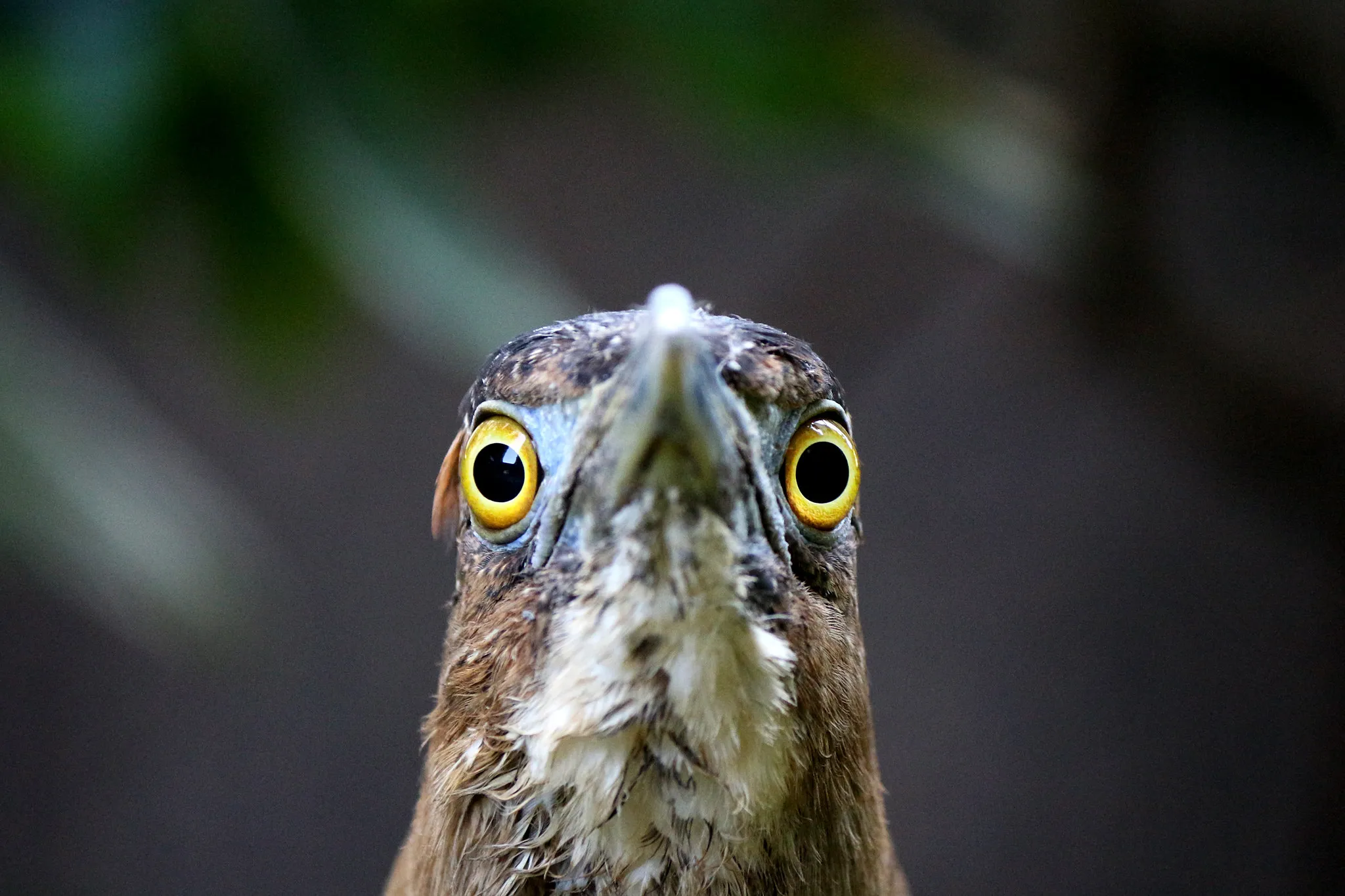
View example source code
vue
<template>
  <div class="w-full flex flex-col gap-4">
    <div class="flex justify-center">
      <carousel-anamorphosis-text
        ref="carouselRef"
        :src-list
      />
    </div>

    <div class="w-full flex gap-4">
      <base-btn
        :label="t('prev')"
        class="flex-1"
        @click="carouselRef?.prev()"
      />
      <base-btn
        :label="t('next')"
        class="flex-1"
        @click="carouselRef?.next()"
      />
    </div>
  </div>
</template>

<script setup lang="ts">
import { ref } from 'vue'
import { useI18n } from 'vue-i18n'
import BaseBtn from '../../base-btn.vue'
import CarouselAnamorphosisText from '../carousel-anamorphosis-text.vue'

type SrcList = InstanceType<typeof CarouselAnamorphosisText>['srcList']

const srcList: SrcList = [
  {
    url: '/low/photography-street-cat.webp',
    text: 'CAT',
  },
  {
    url: '/low/photography-ears-of-rice.webp',
    text: 'RICE',
  },
  {
    url: '/low/photography-fireworks.webp',
    text: 'FIREWORKS',
  },
  {
    url: '/low/photography-morning-light-of-rice.webp',
    text: 'LIGHT',
  },
  {
    url: '/low/photography-big-stupid-bird.webp',
    text: 'BIRD',
  },
]

const carouselRef = ref<InstanceType<typeof CarouselAnamorphosisText>>()

const { t } = useI18n()
</script>Custom Layer Text
You can freely adjust the text content. ◝( •ω• )◟
FISH
COD
CHILL



Although you can barely read what the text says. (́⊙◞౪◟⊙‵)
View example source code
vue
<template>
  <div class="w-full flex flex-col gap-4">
    <div class="flex justify-center">
      <carousel-anamorphosis-text
        ref="carouselRef"
        :src-list
        height="60vh"
      />
    </div>

    <div class="w-full flex gap-4">
      <base-btn
        :label="t('prev')"
        class="flex-1"
        @click="carouselRef?.prev()"
      />
      <base-btn
        :label="t('next')"
        class="flex-1"
        @click="carouselRef?.next()"
      />
    </div>
  </div>
</template>

<script setup lang="ts">
import { computed, ref } from 'vue'
import { useI18n } from 'vue-i18n'
import BaseBtn from '../../base-btn.vue'
import CarouselAnamorphosisText from '../carousel-anamorphosis-text.vue'

type SrcList = InstanceType<typeof CarouselAnamorphosisText>['srcList']

const { t } = useI18n()

const srcList = computed<SrcList>(() => [
  {
    url: '/low/profile.webp',
    text: ['FISH', 'COD', 'CHILL'],
  },
  {
    url: '/low/profile-2.webp',
    text: [
      { value: t('fat'), class: 'text-[18vmin]' },
      { value: t('fat'), class: 'text-[24vmin]' },
      { value: t('fish'), class: 'text-[18vmin]' },
      { value: t('fish'), class: 'text-[24vmin]' },
    ],
  },
  {
    url: '/low/profile-3.webp',
    text: [t('eat'), t('happy'), t('fish')],
  },
])

const carouselRef = ref<InstanceType<typeof CarouselAnamorphosisText>>()
</script>How It Works
Uses background-clip: text to achieve the text mask effect, combined with perspective and transform properties for the 3D movement effect.
Source Code
API
Props
interface Props {
  srcList: Array<{
    /** 圖片 url */
    url: string;

    /** 文字內容。
     *
     * 如果給 `string[]`,則對應每一層的的文字內容。
     */
    text: string | string[] | Array<{
      /** 文字內容 */
      value: string;

      /** 額外的 CSS class */
      class?: string;
    }>;

    /** 為空則以 Props.animationDuration 為主 */
    animationDuration?: number;
    /** 為空則以 Props.animationDelay 為主 */
    animationDelay?: number;
  }>;
  /** @default 400px */
  height?: string;

  animationDuration?: number;
  animationDelay?: number;
}Emits
// const emit = defineEmits<{
//   'update:modelValue': [value: Props['modelValue']];
// }>()Methods
defineExpose({
  currentItem: srcItem,
  isPlaying: computed(() => isPlaying.value),
  next,
  prev,
})Slots
defineSlots<{
  default?: (props: { isRunning: boolean }) => unknown;
}>()